

3DP LAB BUGANIZER
Redesigned the 3DP Lab Buganizer user experience and UI layout, improving usability and streamlining workflows for enhanced bug tracking efficiency.
The Problem: Design teams at Google Labs lacked a unified system for requesting prototyping services, leading to delays and inefficiencies. We developed a centralized platform to simplify and streamline 3D printing, machining, and graphics requests—making the process faster and more accessible across teams.
WED APP
UX/UI DESIGN
PROTOTYPING
INTERACTION DESIGN
BUGANIZER DESIGN HUB
USER RESEARCH
USABILITY TESTING
PRODUCT DESIGN
BRANDING
REDESIGN
3D PRINT REQUESTS


Circa 2021-2024


OVERVIEW
Google Design Labs

The Design Lab is a restricted-access facility that supports teams across the company by accelerating 3D printing, prototyping, and research and development efforts. It assists in-house designers through the use of advanced lab tools and a variety of 3D printers to bring ideas to life efficiently and effectively.
3D printers powered by:


Goal
-
Apply user-centered design principles to revamp the 3DP Lab Buganizer UI, improving usability and streamlining workflows to optimize the bug tracking process.
Pain Points
-
Users may struggle to navigate the interface or find key features quickly.
-
Interface elements may be cluttered or unintuitive.
-
Inefficient Workflows
-
Steps to log, assign, or resolve bugs might be too time-consuming or redundant.
-
Lack of automation or shortcuts for repetitive tasks.
-
Users may have trouble tracking the progress or ownership of bugs.
-
Filtering or sorting bugs could be limited or hard to use.
-
Different teams or users might have varying experiences or inconsistent behavior across the platform.
-
Overwhelming or Unfocused UI Layout
-
The layout may lack a clear hierarchy or focus, leading to confusion.
-
Too much information might be presented at once, creating cognitive overload.
-
Lack of Customization or Flexibility
-
Users may not be able to tailor views or workflows to fit specific project needs.
My role
-
Project Duration: Google (6 month - 1 year)
-
Design Process: Conducting user research, interviews, surveys, task flow, product map, visual design, usability tests, brainstorming, user flow, low-hi fidelity Wireframes, Prototyping
-
Digital Tools: Figma, Adobe Illustrator, InDesign, Photoshop, LS Graphics
Solution
-
Redesign the interface with a clean, intuitive layout
→ Minimize visual clutter and organize content using clear visual hierarchy. -
Integrate with commonly used tools
→ Enable connections with CAD platforms, 3D printers, or design review dashboards. -
Improve feedback and error prevention mechanisms
→ Include real-time validation, confirmation modals, and success/error toasts to reduce user mistakes. -
Enhance feature discoverability
→ Add tooltips, collapsible sidebars, and contextual help within the interface. -
Highlight key actions and information through design
→ Use consistent colors, typography, and spacing to prioritize what's most important.

GOOGLE 3DP LAB BUGANIZER WEBPAGE
The final Design Lab interface features an improved UI and a more intuitive Buganizer experience, making it easier for users to submit 3D print bug requests and track their status. It also streamlines the workflow for 3DP technicians, allowing them to efficiently set up and close out print jobs by the end of the day.

Designer 3D Bug Request: As a 3D Printing Technician, daily tasks include assigning print jobs to team members, reviewing CAD models for print readiness, selecting appropriate printers and materials, setting up build trays for each print, and updating tray images and print status for the original requester.


3DP Technicians daily tasks: As a 3D Printing Manager, daily tasks include assigning print jobs to team members, reviewing CAD models for print readiness, selecting appropriate printers and materials, setting up build trays for each print, and updating tray images and print status for the original requester.


Checking CAD Files: 3D print technicians first review bug requests submitted by designers to ensure all necessary information is accurate and complete. This includes verifying the print type, deadline, materials, and any special requests. They also check the CAD file to ensure it contains no hollow geometry. If the submission fails to meet these criteria, the technician updates the request status from 'Reviewing CAD file' to 'Failed' and notifies the requester to correct the issue and resubmit.

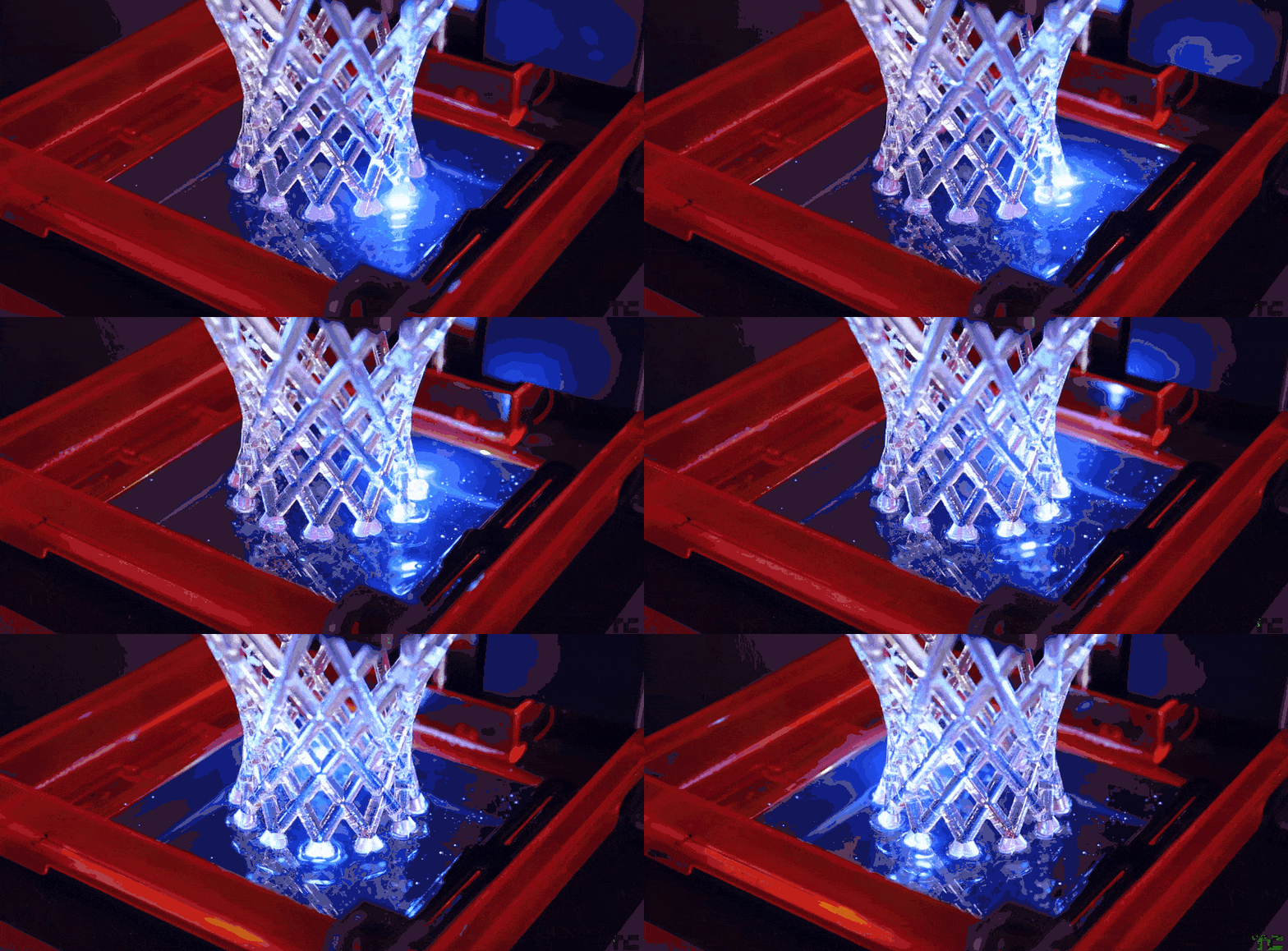
Printing: After setting up the prints, the 3D Printing Technician uploads a photo of the build tray and updates the print status and details for the requester.


Interactive Lab Map: The 2D interactive map for both labs that provides detailed information about all 3D printers and lab accessories. The map allows technicians to easily navigate the space and locate equipment. When hovering over each printer, it displays the current print status and the trays associated with it. This tool helps track everything in real-time without needing to physically enter the lab.


Post-processing: After the print is completed, the technician verifies its success, carefully removes the parts from the build tray, and proceeds with post-processing. This includes washing off excess resin or spraying off support material, followed by cleaning, drying, or UV curing the parts based on the specific material requirements.

.jpg)
Printing completed: Once parts are fully completed, the technician conducts a quality assurance check to ensure all components meet visual and functional standards. After passing inspection, the parts are carefully packaged, and the necessary documentation is completed to notify the requester that the order is ready for pickup.


3D Parts Pick-up: The 3D print technician notifies the requester via the Buganizer message icon that their parts are ready for pickup in mail pod.

.png)
PACKAGING 3D PARTS
Packaging solutions to keep our 3D parts safe and secure during handling and transit. Each package includes a custom-designed watermark label to ensure authenticity, printed using a Dymo label printer. The label printing process is streamlined—on the 3D part slides, simply selecting the printer icon automatically prints the relevant information without the need for manual entry.


Technician's Profile: The Tech can access her profile to review the bugs she has worked on throughout the day. She can also look up the history of closed (Fixed) bug IDs in case a requester needs a reprint or further issue resolution.

Outcome
Impact:
The impact on 3DP technicians has been overwhelmingly positive, with feedback highlighting how the system makes their work easier and more efficient. Visually, it helps everyone in the lab quickly identify the quantity and type of products being requested. It also enables designers to easily track and manage their 3D parts throughout the workflow.
Takeaways:
The product performed well overall, though it took some time for everyone in the design organization to fully adapt. One of the initial challenges was navigating the new Buganizer UI, but once familiar, the experience improved significantly.
Looking ahead, there are plans to expand the system beyond 3D printing to include other services such as graphics, CNC machining, cast molding, and general prototyping. These additions will broaden its value and usability across different teams.
The design decisions made have the potential to create a significant in-house impact by streamlining support services and improving the visual accessibility of Buganizer, making it easier for teams across the company to use.